Beacon solutionsTech sheetPreliminary
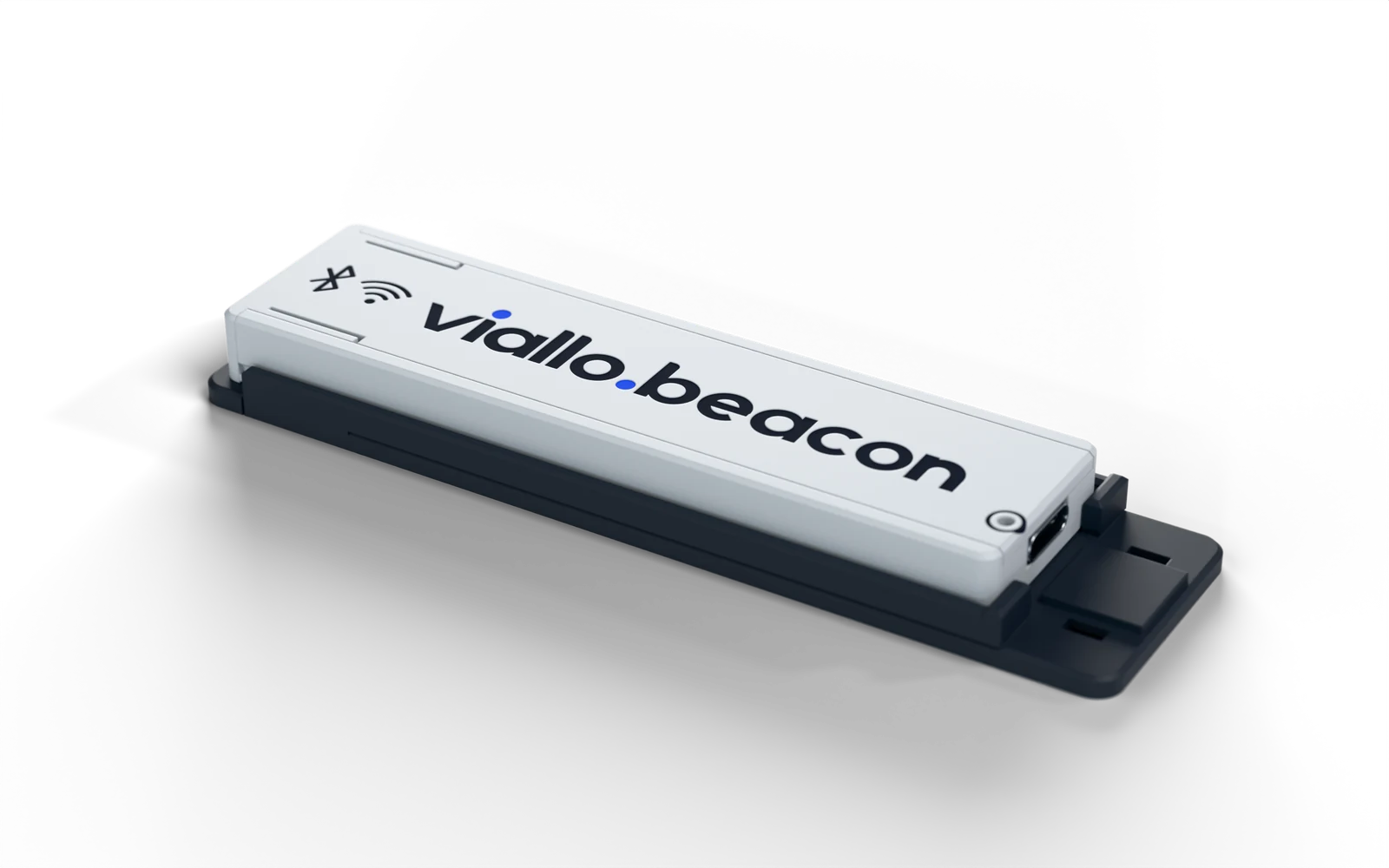
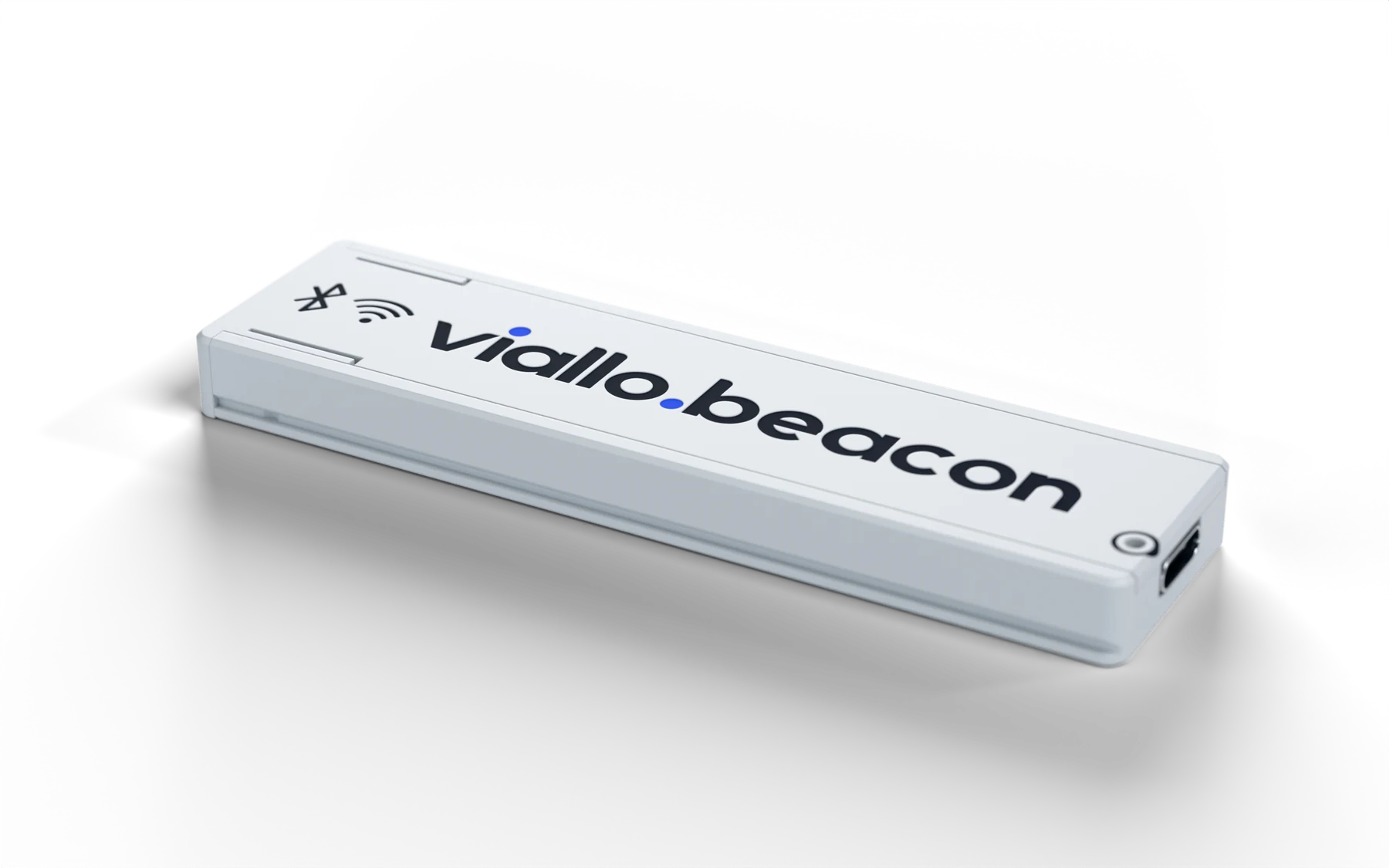
viallo.beacon, a slim light grey case with the viallo.beacon wordmark on top

A small Bluetooth beacon for shops and venues.

Stick it on a wall or under a counter, plug in USB-C power and it runs. The case is slim enough to disappear into any interior, with the antenna kept apart from the electronics for a clean signal.

94 × 25 × 8.3mm, without bracket
BLE 5.0 + Wi-Fi2.4 GHz
Up to 100 m1line of sight

Specifications

viallo.beacon
Dimensions
93.7 × 25.0 × 8.3 mm
In the bracket
109.7 × 29.0 × 10.7 mm
Bluetooth
Bluetooth Low Energy 5.0
Wi-Fi
2.4 GHz, 802.11 b/g/n
Range
Up to 100 m line of sight1
Antenna
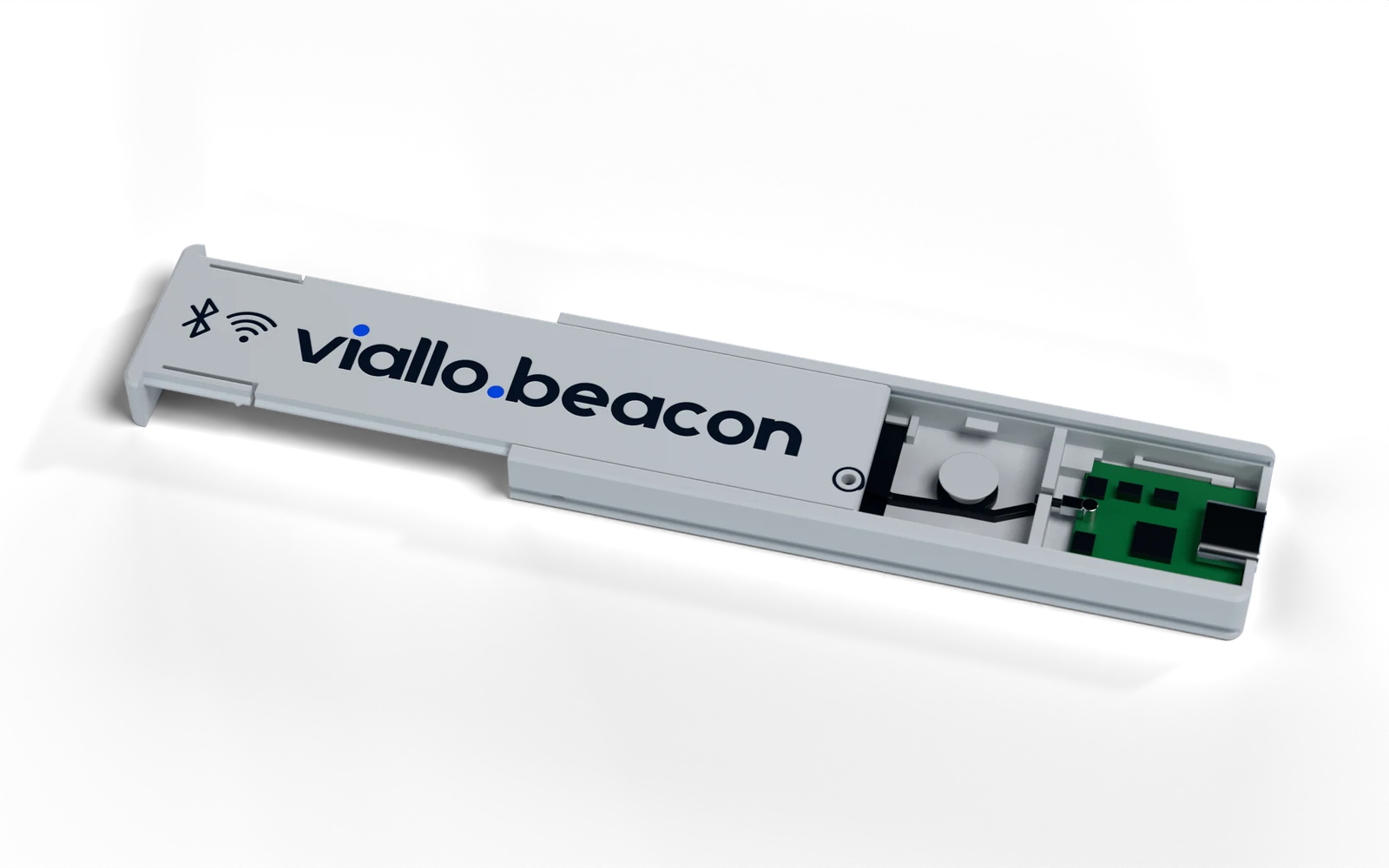
External 2.4 GHz antenna, in its own bay
Power
USB-C, 5 V, any USB charger
Processor
32-bit RISC-V
Enclosure
PLA or PETG, closed electronics compartment
Mounting
Slide-in bracket, VHB tape or two screws
Lid
Slides off; optional M2 screw lock
Identification
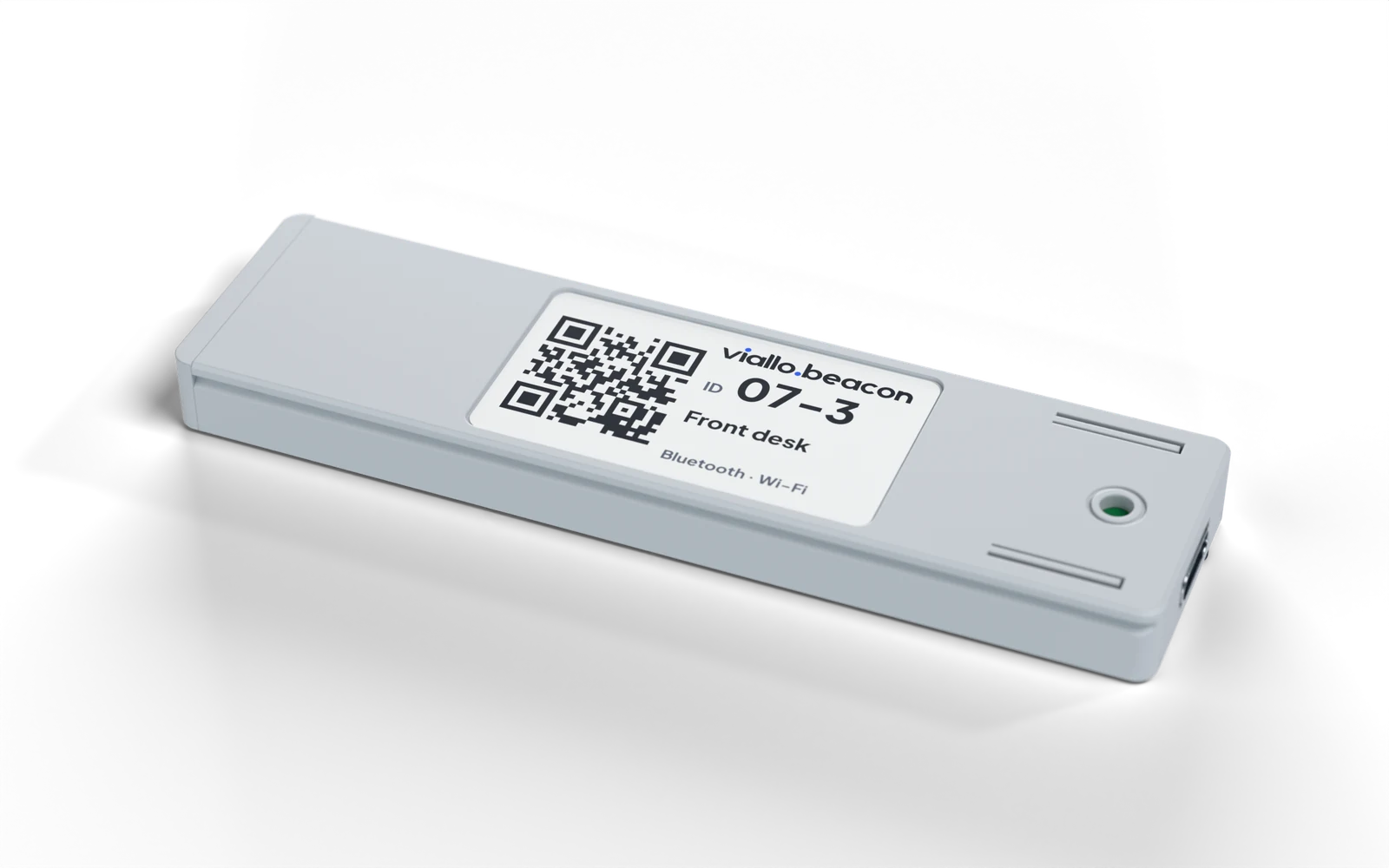
Label with QR code on the underside

Dimensions

mm, drawn to scale
Beacon
TOP 93.7 25.0 USB-C END 25.0 8.3 SIDE 8.3
Bracket
TOP, BEACON DASHED 109.7 29.0 SIDE, BEACON MOUNTED 10.7

Inside

Technology

Radio

A 32-bit RISC-V chip with Bluetooth Low Energy 5.0 and 2.4 GHz Wi-Fi. The external antenna sits in its own bay at the far end, away from the electronics.
Works with

Apple Wallet. A pass linked to the beacon appears on the customer's lock screen nearby, with no app and no tap.

Built to install

The board sits in a closed compartment. The case slides into a bracket that sticks or screws on, and a label underneath carries each beacon's ID as text and QR code.
Views

Renders
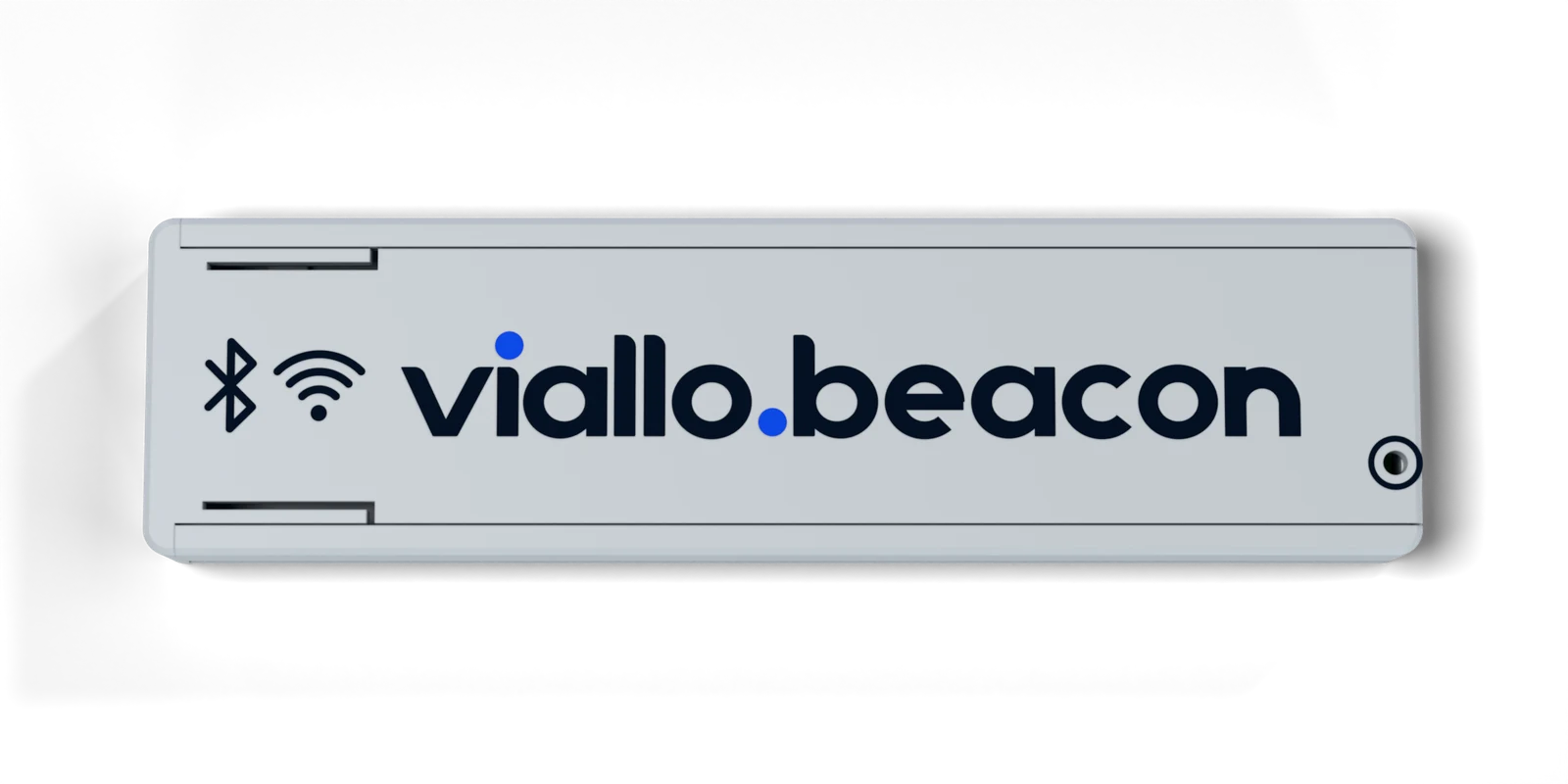
The beacon from above
From above. Bluetooth and Wi-Fi marks next to the wordmark.
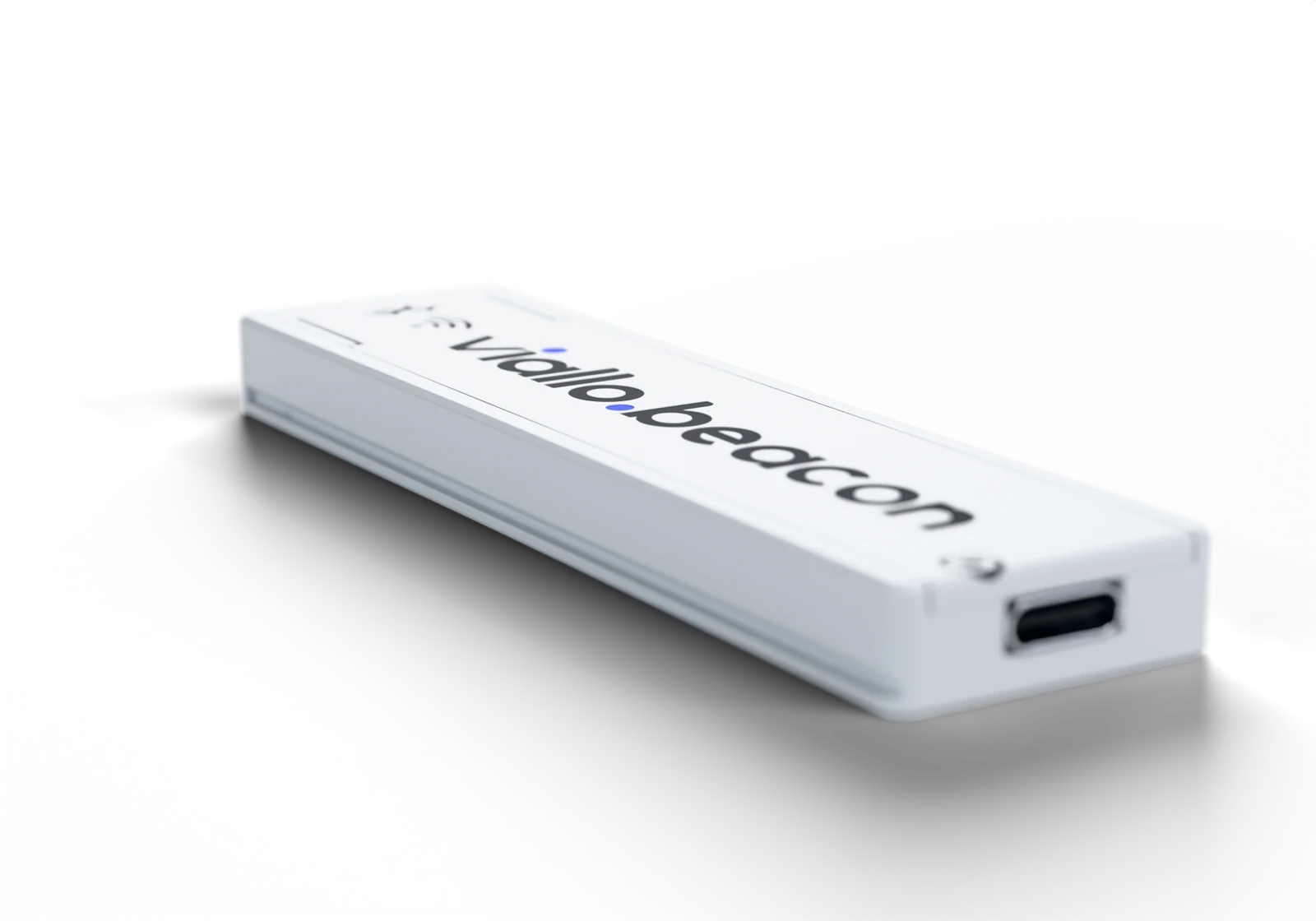
The USB-C end of the beacon
USB-C power. Any USB charger runs it.
The beacon in its graphite bracket
In its bracket. Slides in and clicks; the plug is strapped to the bracket.
The lid slid back to show the board and antenna inside
Lid off. Board, antenna cable and antenna each have their own place.
The underside with its configuration label
Underside. The label shows the beacon's ID. Sample label shown.
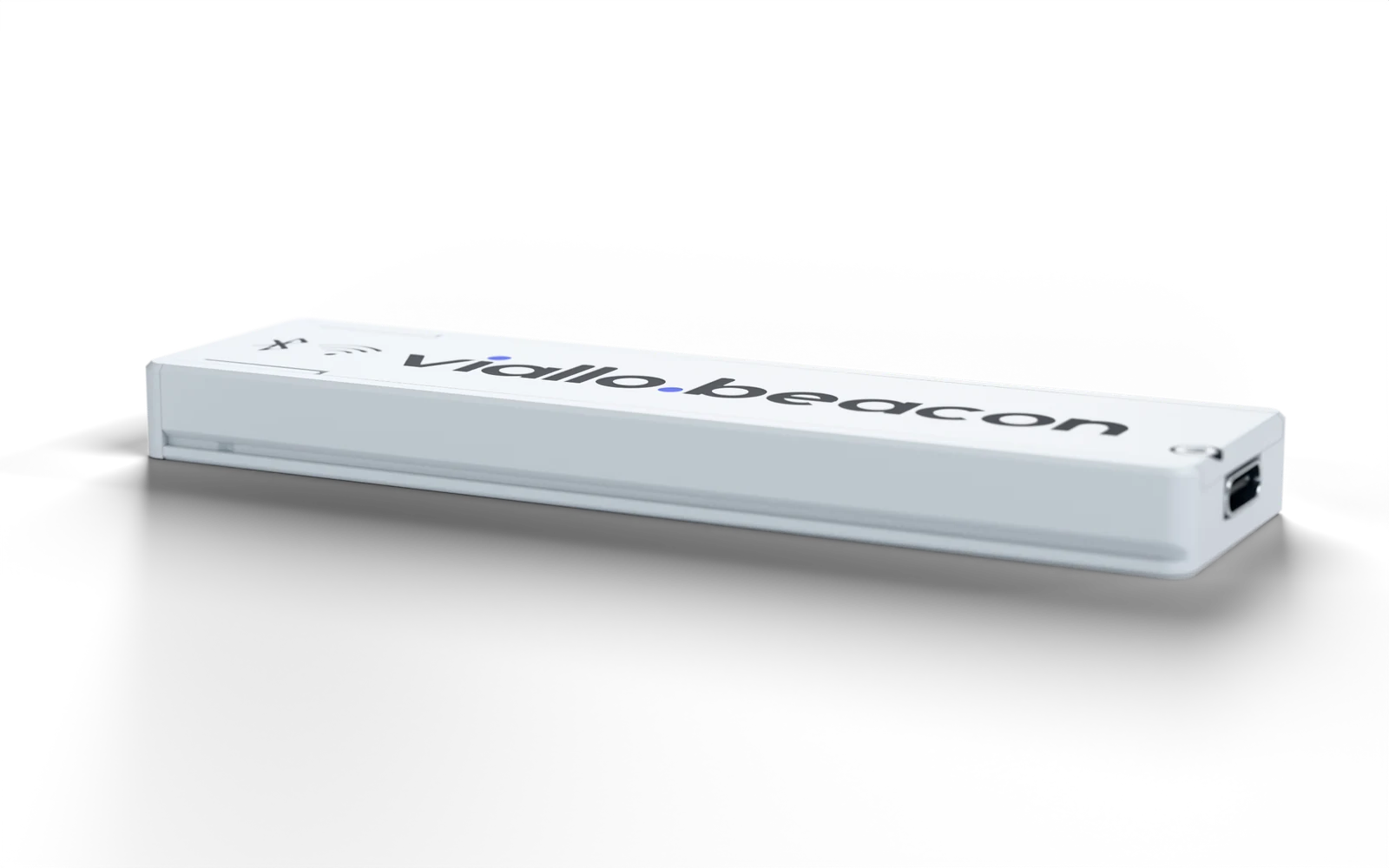
The beacon at an angle
Slim profile. 8.3 mm high.

Setup

About 2 minutes
  1. Mount the bracketVHB tape on a clean surface, or two screws.
  2. Slide the beacon inUSB-C end first, until it clicks.
  3. Plug in powerStrap the plug to the bracket with a small cable tie.
  4. DoneThe beacon starts on power-up.

1 Figure for the radio board with its supplied antenna, in open space. Indoors the range is shorter and depends on walls, people, placement and the phone. Avoid mounting directly on metal.

Specifications are preliminary and may change.

Beacons for your stores

Hardware, setup and the software behind it, in one monthly plan.